
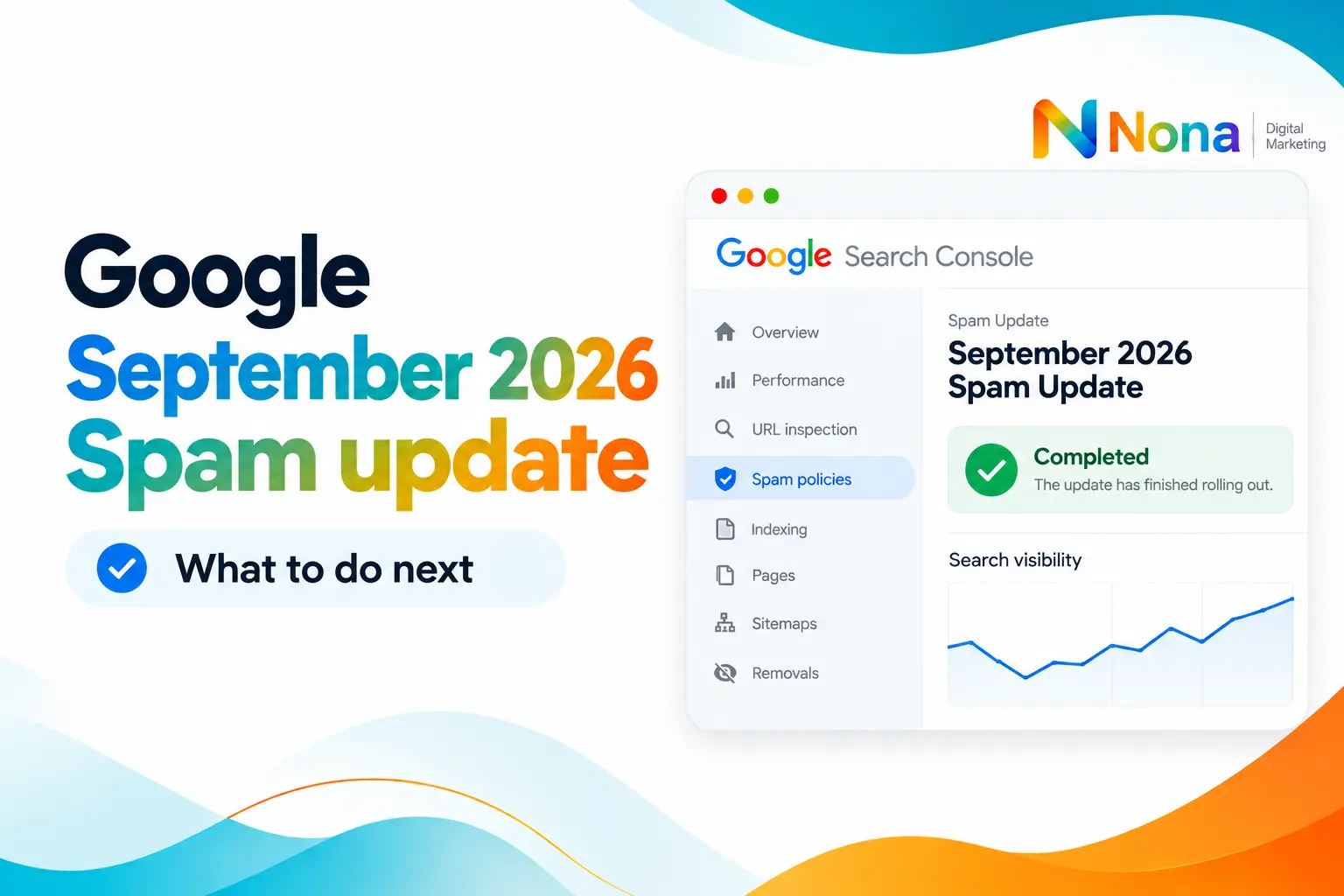
Google’s September 2026 spam update has officially finished rolling out.
According to the Google Search Status Dashboard, the update started on September 24 and was completed on October 8, 2026, after approximately 13 days and 16 hours.
This makes it the longest spam update of 2026 so far.
For comparison, Google’s previous spam updates this year were much shorter:
- March 2026 Spam Update: Approximately 19 hours.
- June 2026 Spam Update: Approximately 2 days.
- August 2026 Spam Update: Approximately 2 days and 16 hours.
- September 2026 Spam Update: 13 days and 16 hours.
The difference is significant, but a longer rollout doesn’t necessarily mean a more aggressive update.
Now that the rollout is complete, SEOs and website owners can start evaluating its impact.
Table of Contents
What changed with the September 2026 spam update?
Google hasn’t shared specific details about which spam detection systems were improved during this update.
However, based on Google’s recent communications and updates to its spam policies, one area worth paying attention to is scaled content abuse, particularly the mass production of low-quality content.
Google has repeatedly clarified that using automation or generative AI to produce large amounts of content without providing additional value to users may violate its spam policies.
Importantly, this doesn’t mean AI-generated content is automatically considered spam.
The problem is creating content primarily to manipulate search rankings rather than genuinely helping users.
According to Google’s official guidance on AI-generated content, generative AI can be useful for research and content creation, but mass-producing pages without meaningful value may violate its scaled content abuse policy.
That said, Google has not confirmed that this particular update specifically targeted AI-generated content.
This is an area worth investigating, not a confirmed explanation for the update.
What should you do now?
If you manage a website, I recommend following these five steps before making significant SEO changes.
1. Add an annotation in Google Search Console
Start by documenting the update in Google Search Console.
Mark September 24 as the start of the rollout and October 8 as its completion date.
This will help you identify possible correlations between algorithm updates and changes in your website’s organic performance.
Google Search Console supports custom annotations directly within performance charts.
You can learn how to use them in Google’s official documentation on Search Console annotations.
2. Wait at least one week before drawing conclusions
Avoid making immediate decisions based on the first few days after the update.
Google’s recommendation for analyzing core updates is to wait at least one full week after completion before comparing performance.
Although this guidance was written for core updates, it’s also a sensible approach when investigating a spam update.
This gives you a more stable dataset and reduces the risk of reacting to temporary fluctuations.
3. Compare performance before and after the update
Once enough data is available, open Google Search Console and compare your website’s performance before and after the rollout.
Focus on:
- Organic clicks: Did your website lose or gain traffic?
- Impressions: Has your visibility in Google Search changed?
- Average position: Did your rankings decline for important queries?
- CTR: Are users clicking your results less frequently?
Try to compare equivalent periods and account for seasonality, changes in search demand, and other factors that could influence performance.
A decline in traffic doesn’t automatically mean your website was penalized by the spam update.
4. Segment your analysis to identify what was affected
Don’t limit your investigation to website-wide performance.
A domain-level overview can hide important patterns.
Instead, segment your data by:
- Directory or website section
- Page type or content template
- Individual URLs
- Search queries
- Country and device
- Search appearance and available AI feature reports
For example, you might discover that your blog traffic remained stable while a particular directory experienced a significant decline.
This could help you identify which content types or publishing practices deserve closer attention.
Google also introduced dedicated Search Console reporting for visibility in generative AI features, making it useful to review those reports where relevant.
If your website targets multiple countries, it’s also worth analyzing performance across different markets. A traffic decline might affect only specific regions rather than your entire website. To make this analysis easier, you can learn how to filter multiple countries in Google Search Console and compare performance across your target markets.
5. Review your content quality and spam policy compliance
If your website experienced a significant decline, review the affected pages against Google’s official spam policies.
Pay particular attention to content produced at scale, pages with little original value, misleading practices, and other techniques designed primarily to manipulate rankings.
Ask yourself:
Does this content provide original information?
Does it satisfy the user’s search intent?
Does it offer meaningful value beyond what competitors already publish?
Would this page still be useful if search engines didn’t exist?
The goal shouldn’t be to make superficial changes just to recover rankings.
Instead, focus on improving your website’s overall quality and ensuring that your content genuinely serves its audience.

Can the update affect AI Overviews, AI Mode, and Google Discover?
Yes, spam policies are relevant beyond traditional blue-link search results.
Google has confirmed that its spam policies apply to Google Search, including generative AI responses.
This includes experiences such as AI Overviews and AI Mode, where eligibility depends on meeting Google’s broader search requirements and policies.
Google Discover also uses many of the same systems and signals as Google Search to identify helpful, people-first content.
However, this doesn’t mean every spam update will produce identical effects across Search, AI features, and Discover.
For additional context, review Google’s AI features documentation and Discover documentation.
How long does recovery take after a spam update?
This is probably the most important point for websites that experienced a significant decline.
Recovery from a Google spam update can take months.
According to Google’s official spam update documentation, websites affected by spam-related ranking changes may need to wait several months for Google’s automated systems to recognize sustained compliance with its policies.
Simply removing a few pages or rewriting some articles doesn’t guarantee an immediate recovery.
And in certain cases, particularly when rankings previously benefited from manipulative link practices, lost ranking benefits may not return.
The best approach is to identify the actual issues, implement meaningful improvements, and monitor performance over time.
The work doesn’t stop here
The September 2026 Spam Update is complete, but the work for SEOs is just beginning.
My recommendation is simple:
Document the update, wait for reliable data, analyze the impact, identify affected sections, and focus on long-term improvements.
Don’t panic over short-term fluctuations, and don’t assume every traffic decline is caused by Google’s spam systems.
If your website was affected, recovery may take months.
But understanding what changed is the first step toward building a stronger and more sustainable organic search strategy.
Need help with SEO?
SEO consulting and monthly SEO plans.